Smart homes have become quite popular in Perth. A smart home makes your life easier and more efficient, letting you remotely control your home lighting and other home essentials from your phone or by voice. If you want to make your home smart, this blog explains what you need: the two basics every smart-ready home requires, what makes a good WiFi system, how to choose a smart platform, how to choose products, and the difference between WiFi, Bluetooth and Zigbee devices.
To make your home smart or smart-ready, you only need 2 things
- A good WiFi system.
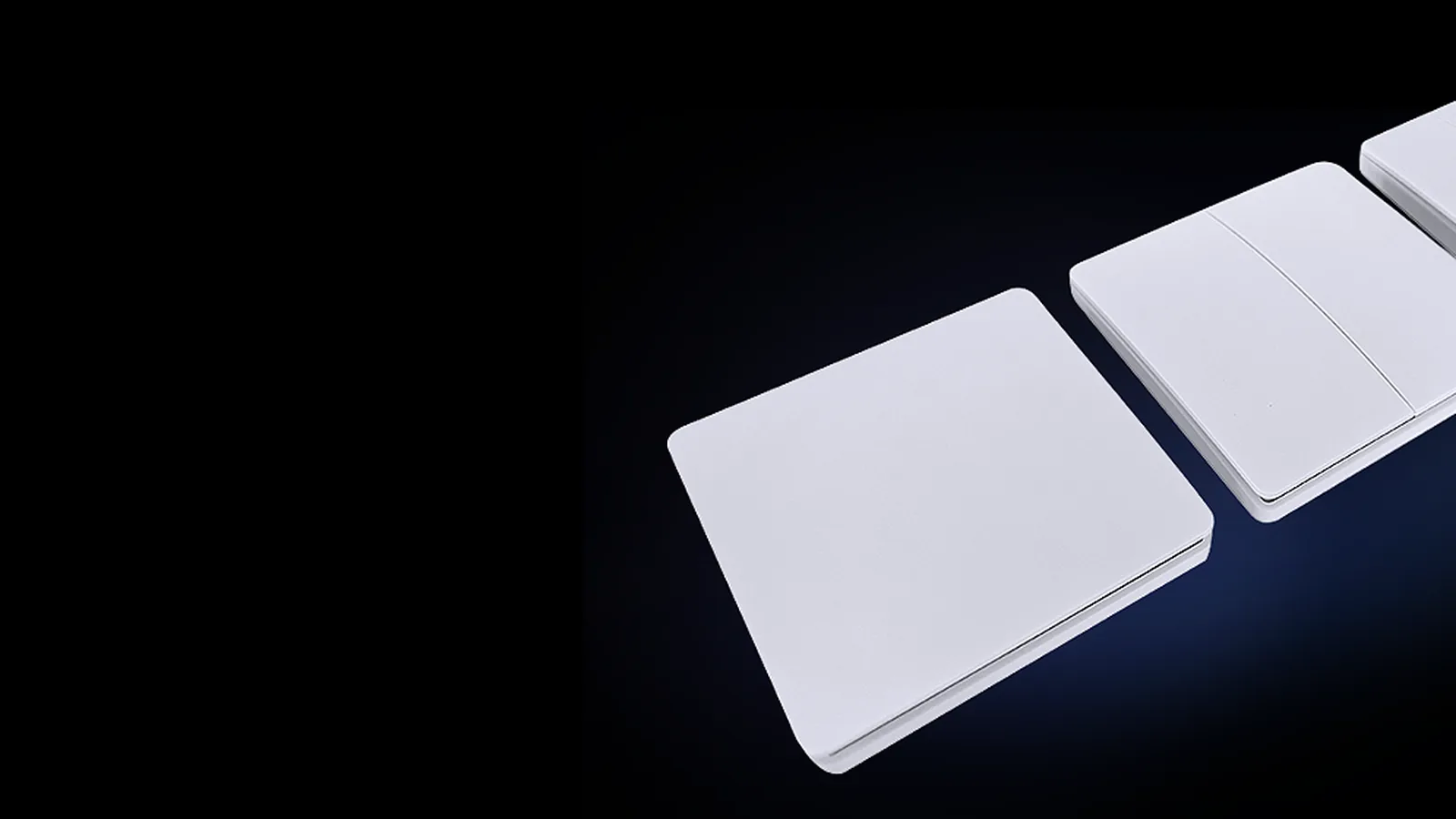
- Neutral wires to your switches. There are solutions for homes without neutral wires, although with neutral wires the costs are lower, switches are more stable and the options are simpler.
A neutral wire at the switch matters because a smart switch is a small computer that needs constant power to stay connected to your network. With active and neutral present it can power itself without interfering with the light circuit. If you are building or renovating, ask your electrician to run a neutral to every switch plate; it is a cheap step at framing stage and expensive to add later.
What is a good WiFi system?
A good WiFi system gives you good coverage throughout your entire home and even the outside areas where smart products may be needed. It also needs to be quick and allow sufficient devices to be connected. This prevents slow functioning of smart devices and, even more importantly, prevents them from disconnecting and not functioning at all.
A standard home router is not designed to manage a smart home. The signal will not be strong, and generally the maximum number of 2.4GHz devices it can connect to is 12. It also does not manage the signal optimally between devices; instead it divides the bandwidth 12 times and becomes extremely slow.
There are many devices available. From experience, the range that works best is Ubiquiti. The Ubiquiti U6-LR is a single device that can control a complete home. One carefully positioned unit can cover a double-storey home inside and out. For larger homes, or areas further from the extender, a second Ubiquiti or even a simple WiFi booster can provide a stronger signal.
These devices are designed to be positioned under the ceiling, centrally in the home, and connect to the router with a data cable using POE (power over ethernet), so no power point is needed at the access point. This data cable must be allowed for when building a new home, with multiple data points for larger or double-storey homes.
Setting up the WiFi extender
- Select separate 2.4GHz and 5GHz networks, with passwords you can remember correctly. Most smart devices only connect on 2.4GHz, so a separate network name avoids confusion.
- If you choose the same name and password as your original router, disable the WiFi on the original router once the extender is connected to the data cable. All your devices will continue to work without resetting them, and they will work better.
Selecting the smart platform
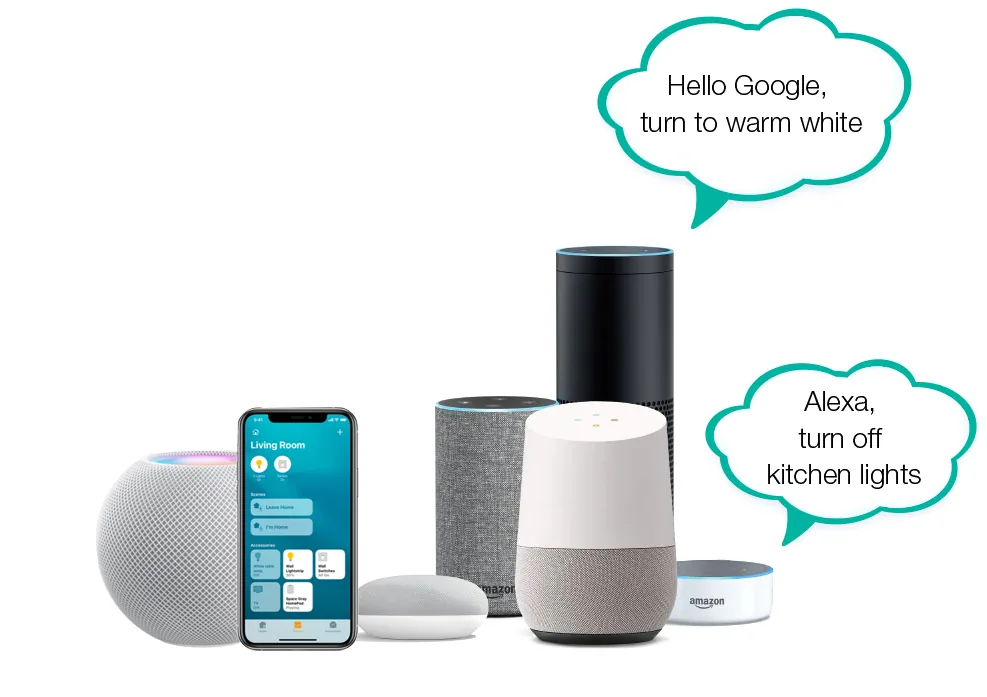
Many suppliers propose systems with exorbitant costs and, even worse, discontinued or outdated systems that will not be supported in the future. In fact, it is quite simple and not expensive. There are a number of proprietary systems on the market, some from good companies, but that does not make them the best solution. The three leading platforms are Amazon Alexa, Google Home and Apple HomeKit. These integrate with most smart products. However, Tuya has become the leader and will completely dominate the smart market moving forward.
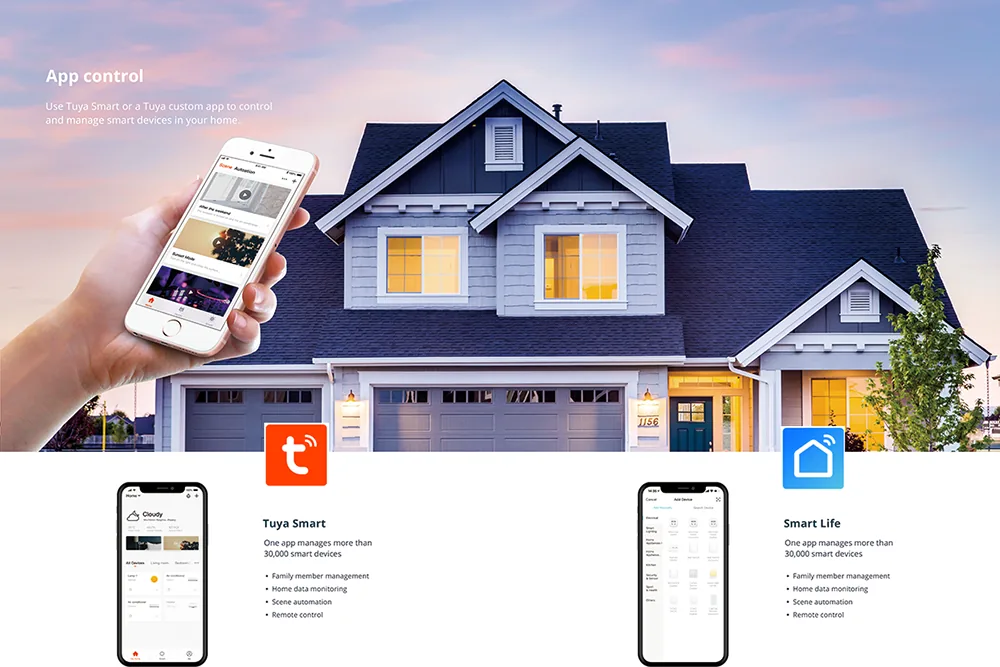
The factory app, Tuya or Smart Life, is free. What makes this the most extensive smart system in the world is that Tuya manufactures smart chips in bulk and supplies them to any manufacturing company along with the IP and instructions. This ensures the best and most competitive smart system in the world. Other companies cannot compete and will likely close, resulting in discontinued systems and no ongoing support. Many companies sell Tuya products under their own name, and all of these work together on one app.
Selecting the product
Buying Tuya products does not guarantee that the product quality is good. It is just as important to purchase good quality products from reputable companies with good warranties and backup, and which comply with all Australian electrical certification standards. Many products that use Tuya chips and promise smart functions need to be compared, as important distinctions exist. Those distinctions make the difference between a smart system that works and one that causes frustration.
Smart systems use either WiFi, Bluetooth or Zigbee
- WiFi is the cheapest and connects directly to your home or office router.
- Bluetooth is the quickest and more stable, working directly with your phone, but it requires a gateway to link it to the router for remote access and voice control.
- Zigbee is the most expensive and uses the least power, making it suitable for small devices running off batteries such as sensors.
Tuya works with all three systems. All can be linked and work together to create the most optimal solution with the widest range of products. Most Greenhse products combine WiFi and Bluetooth to assist with stability and ease of installation.
Getting started in Perth
Once you decide to use the Tuya or Smart Life system, your home needs just those 2 things: a good WiFi system and neutral wires to your switches. Everything else, from smart downlights and switches to garden lights and fans, can be added room by room. Any switch or wiring work must be done by a licensed electrician. For advice on planning a smart-ready home, visit Greenhse Technologies at 5/1 Locke Lane, Ellenbrook WA 6069, or phone (08) 9297 2969.
Shop the range