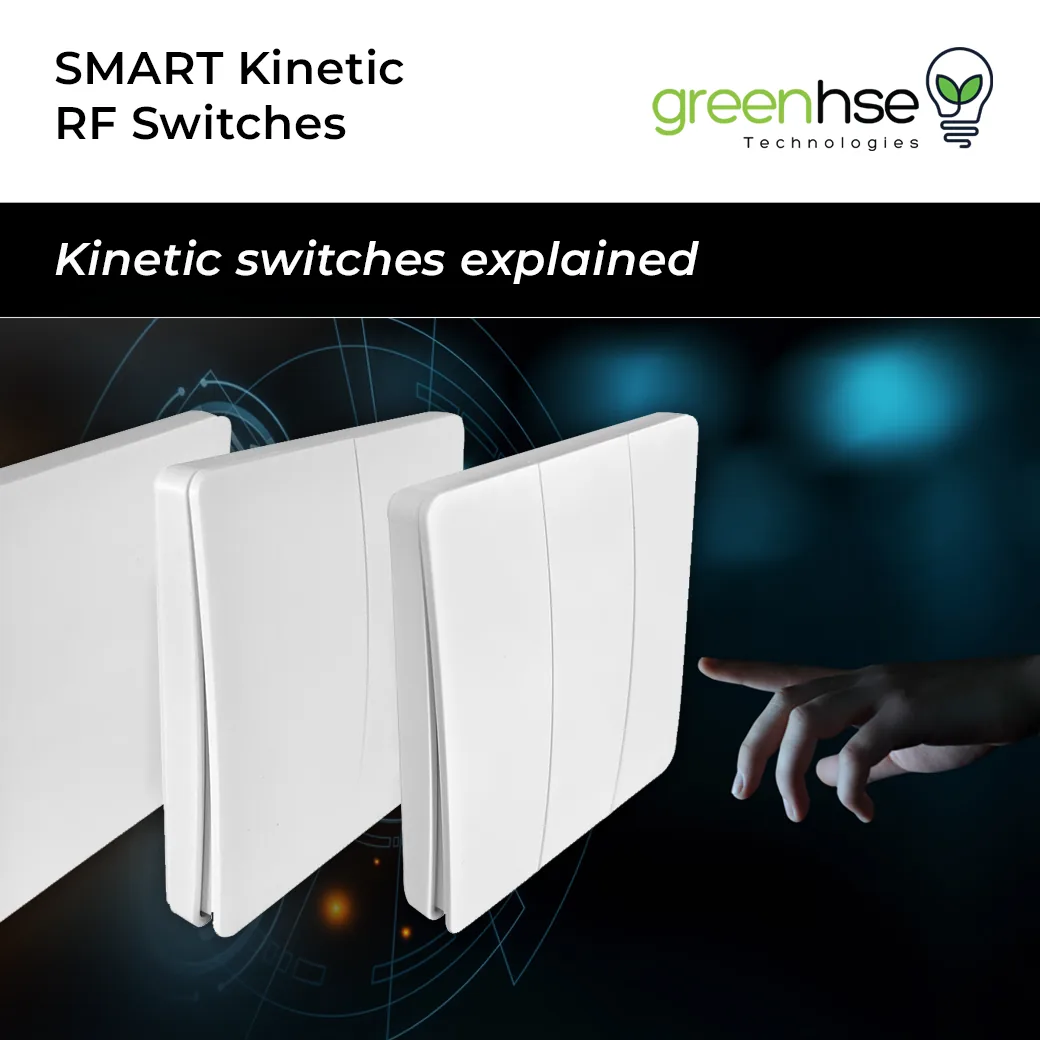
SMART Kinetic RF switches, offered by Greenhse Technologies, are the best choice for smart homes because of their unmatched practicality. These wireless switches need no wiring and no batteries, which makes them ideal for retrofitting existing homes. This post explains how they work, what receiver modules are available, how to pair switches to receivers, and how to set up the smart versions with your Wi-Fi.
A kinetic switch generates a tiny pulse of electricity from the press of the button itself and sends an RF signal to a receiver. Reliable, responsive RF technology means Smart Kinetic RF switches communicate through walls and obstacles, and they can be relocated or expanded as your needs change. Combined with automated scheduling on the smart receivers, they help reduce power consumption and lower electricity bills. They integrate with popular smart home ecosystems, so you can control lights through voice assistants or the mobile app. You can also watch our video, Kinetic RF Switches, for a demonstration.
Characteristics of Kinetic RF switches
- Kinetic switches require no connected wires, or even batteries.
- They connect directly to a receiving module placed in the ceiling near the lights or device.
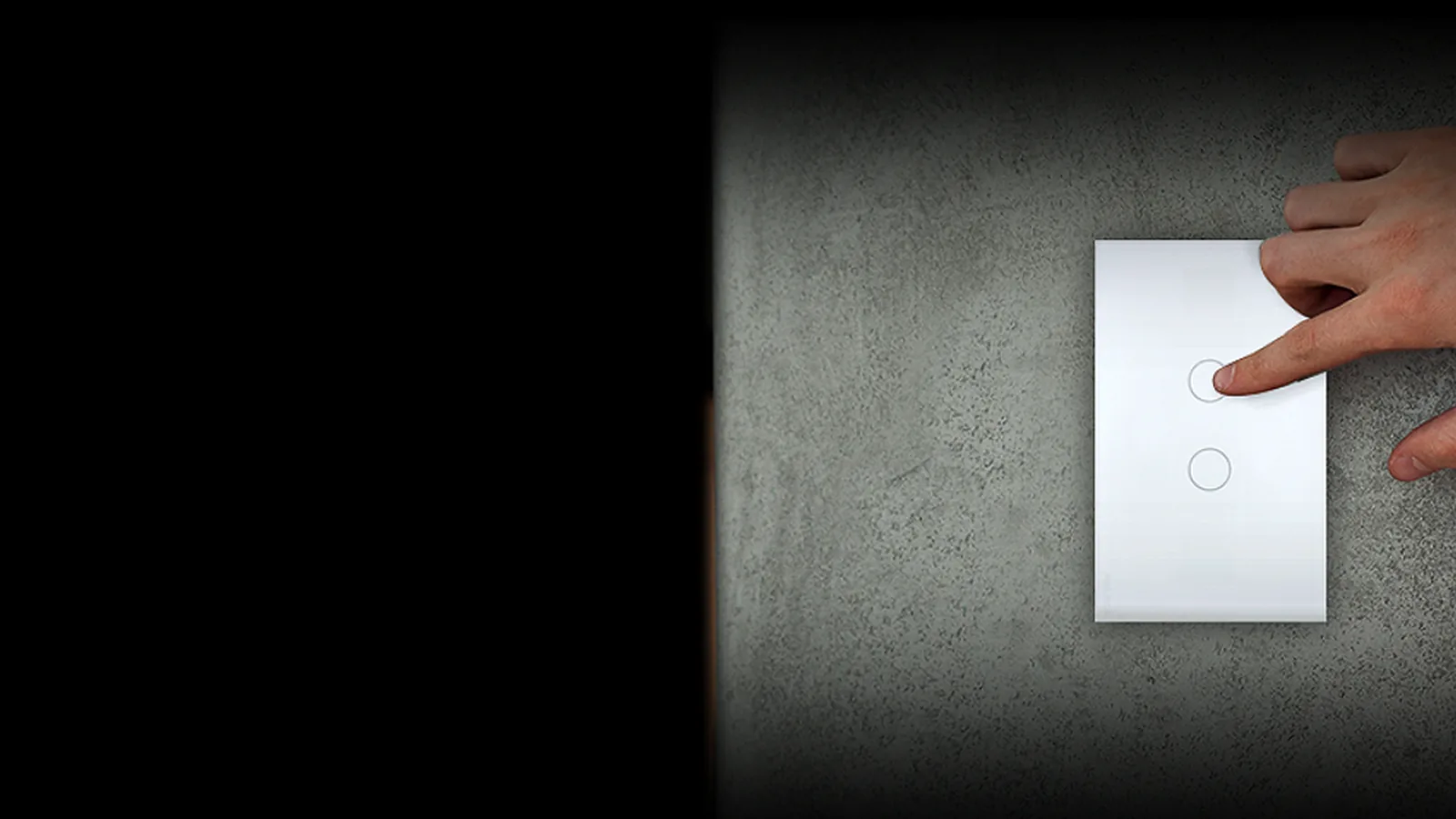
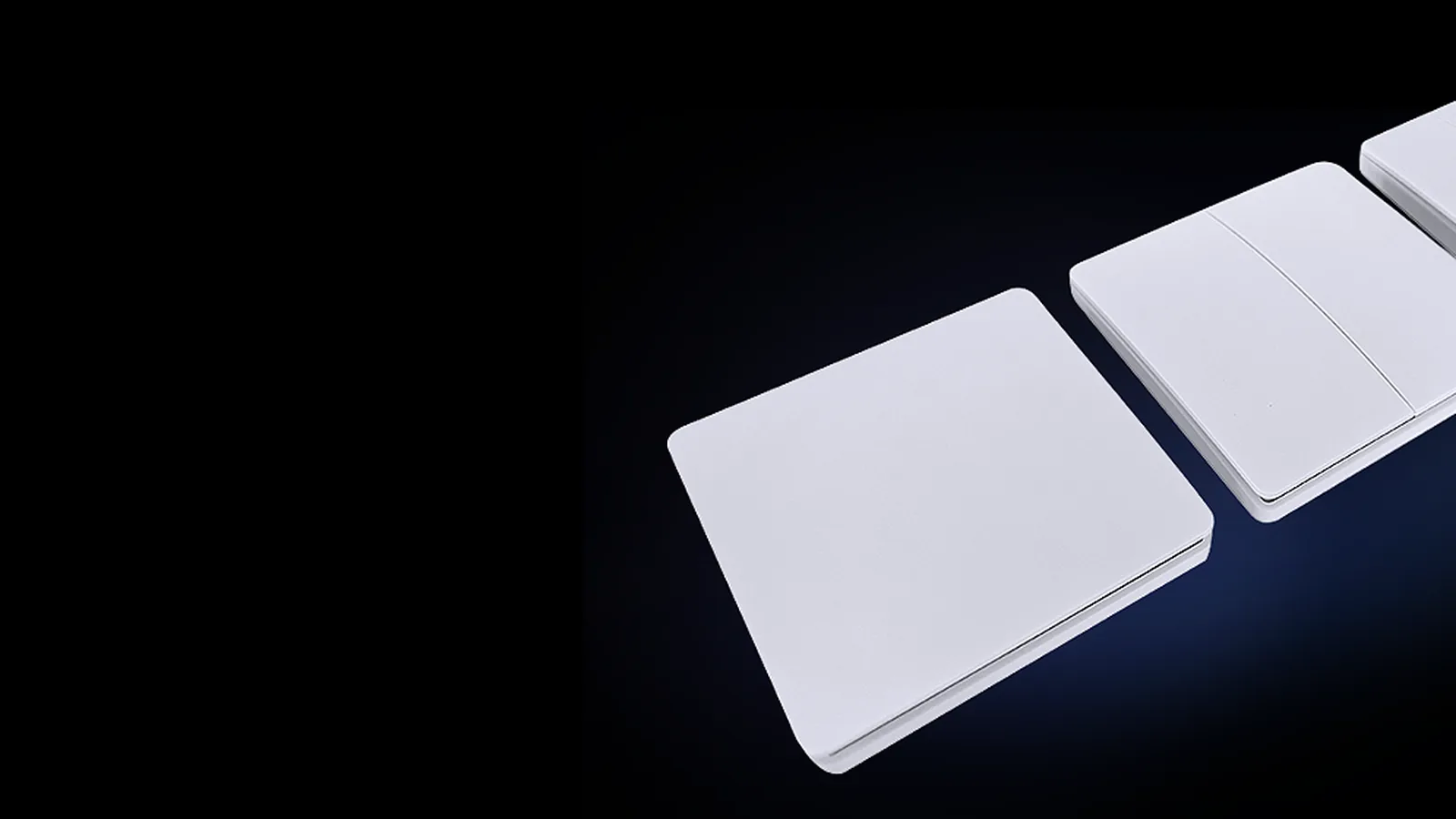
- Available in 1, 2 and 3 gang. They are attractive, very strong, neat and completely waterproof, rated IP67.
- These switches connect to various control modules: 1000W Receiver, Dual 1200W Receiver (600W x 2), Dimmer 100W Receiver, Smart 600W Receiver and Smart Dimmer 100W Receiver.
- Depending on the receiver module selected, Kinetic switches can turn devices on and off, dim them, and even provide SMART control.
- With no wiring required, construction cost savings are possible. More importantly, you have complete flexibility and no limitations. Switches can be added as and where required.
- 2-way and 3-way switching work well with this system. Multiple switches can link to one receiver, and multiple receivers can link to one switch.
- Perfect for bedside tables and island benches, where running a cable is difficult.
- Suitable for outdoor areas thanks to the IP67 rating.
- Even suitable for wheelchair users and special accessibility requirements, since a switch can be mounted at any height or on any surface.
Check out our wide range of Smart Switches here.
Pairing Kinetic switches to receiver modules
The receiver module must be wired by a licensed electrician. Once it is powered, pairing takes a few seconds.
- Push the square linking button on the receiver until the red light flashes slowly. Let go, then push the Kinetic switch being linked once, quickly, and let go. Be careful not to push the wrong switch, because unlinking is more difficult.
- To unlink, push the square button for about 12 seconds. The red light flashes slowly, then flashes quickly, then stops flashing. Release the button and the switch is unlinked.
Dual receiver module
The dual receiver can connect to 2 separate devices with different switches.
- Connecting the first device to the first switch is the same as all receivers: push the square button for 3 seconds until the red light flashes, let go, then push the Kinetic switch once quickly and let go.
- To connect the second device, push the square button twice quickly and the light turns BLUE. Push and hold the square button for 3 seconds and the BLUE light flashes. Push the second Kinetic switch once quickly to pair it to the second output.
- To get back to the RED light, push the square button twice quickly.
Note: multiple switches can be linked to a single receiver and multiple receivers can be linked to 1 switch. Plan carefully and link correctly, or incorrect switching will occur and unlinking will be required. For the dual controller, both RED and BLUE channels may need to be unlinked.
Smart receivers
- SMART receivers must be linked to the home Wi-Fi. When the Smart receiver module is turned on, the red light flashes quickly.
- Open the Smart Life or Tuya app and push "+" to add a device.
- The receiver module appears in the app. Select Add device. Once added, select it and change the name.
- If a Smart Dimmer module has been added, set the minimum level so the light is visible at its lowest setting and there is no flickering.
- After a Smart receiver is added, link it to a Kinetic switch by pushing the "+ Pair" button in the app, then pushing the Kinetic switch you want to link to it once.
With Smart receivers linked to Wi-Fi and Kinetic switches, numerous options open up through the Scene function at the bottom of the app page, such as schedules, sunset timers and one-touch scenes across several rooms.
How to connect and set up Kinetic RF switches
- Ensure your Wi-Fi is set up and working well. If you plan on using more than 10 smart devices, invest in a good Wi-Fi extender, such as the UBIQUITI U6-LR.
- Set up a separate 2.4GHz network with its own name and password, or ask your provider or Wi-Fi supplier to set this up before they leave. Use a name and password you can remember and enter correctly each time.
- Load and register the Smart Life or Tuya app.
- Select the 2.4GHz Wi-Fi network on your smart device and ensure you have good signal strength where the device will be added (3 bars or more).
- Follow the product installation instructions and use the same 2.4GHz name and password.
Overall, Smart Kinetic RF switches combine convenience, efficiency, reliability and versatility, making them the optimal choice for modern smart homes. They are available from Greenhse Technologies, the best LED lighting shop in Ellenbrook, Perth. Visit the showroom at 5/1 Locke Lane, Ellenbrook WA 6069 or call (08) 9297 2969 to choose the right switches and receiver modules for your home.
Shop the range